Editable 3D Text Effect Bundle EPS Vol-1
Creating professional-looking graphics shouldn’t require a degree in graphic design or hours of manual labor. If you are a small business owner, a blogger, or a freelancer trying to meet tight deadlines, you know that time is your most valuable asset. This is where the Editable 3D Text Effect Bundle EPS Vol-1 steps in as a practical solution. It is not just a collection of pretty fonts; it is a comprehensive toolkit designed to help you produce high-quality visual content quickly and efficiently.
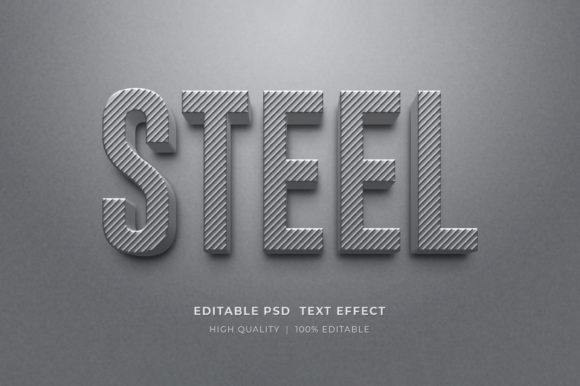
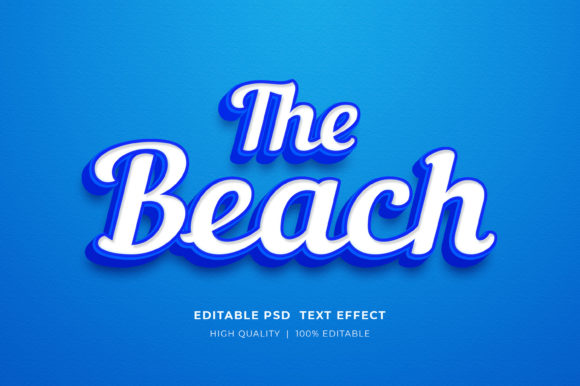
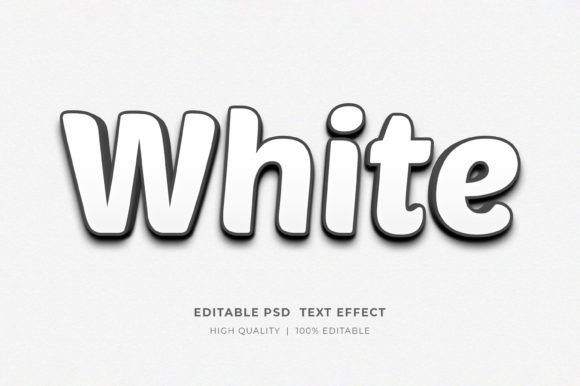
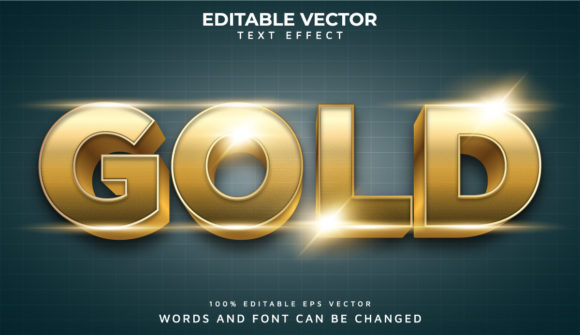
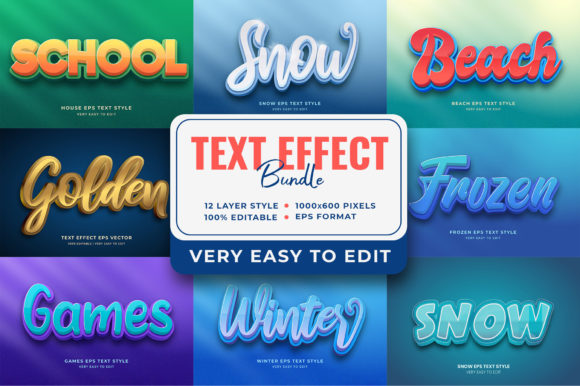
This bundle includes twelve distinct EPS files, each featuring complex, layered 3D text styles. From "Frozen Winter Snow" and "Mystery School Gems" to "Golden Mango" and "Beach Reward," these designs cover a wide spectrum of themes. The core promise is simple: you get fully editable, high-quality assets that allow you to replace the text with your own words without needing advanced technical skills. Let’s look at how this resource can fit into your actual workflow.
Why Editable EPS Files Matter for Your Workflow
Before diving into the specific themes, it is important to understand why the format matters. Many users jump straight to PNGs or JPEGs because they are easy to open. However, raster images lose quality when resized and do not allow for text editing. The Editable 3D Text Effect Bundle EPS Vol-1 uses Adobe Illustrator EPS format. This means every element is vector-based.
What does this mean for you? It means you can scale your text from a tiny social media icon to a massive billboard without any pixelation. More importantly, because the layers are well-organized within folders, you can tweak colors, shadows, and textures individually. If you need a blue "Summer Sale" instead of a golden one, you don’t have to start from scratch. You simply adjust the existing layer properties. This flexibility transforms a static image into a dynamic template that grows with your brand needs.
Real-World Applications Across Different Industries
The versatility of these twelve styles allows them to be applied in various scenarios. Here is how different professionals might use these assets in their daily operations.
For E-commerce and Print-on-Demand (POD)
If you run an online store or sell on platforms like Etsy or Amazon Merch, visual appeal is everything. Product mockups often fail because the text looks flat or unprofessional. By using the Editable 3D Text Effect Bundle EPS Vol-1, you can create eye-catching t-shirt designs, mugs, or posters that stand out in a crowded marketplace.
- Frozen Winter Snow: Perfect for holiday-themed merchandise in Q4. You can easily change "Happy Holidays" to "Merry Christmas" or "Season's Greetings" depending on your target audience.
- Golden Mango: Ideal for summer collections, tropical drink brands, or wellness products. The warm tones evoke feelings of energy and freshness.
Because the files are layered, you can also experiment with different background colors to ensure your text pops against various product backgrounds. This saves you from hiring a designer for every new product launch.
For Digital Marketers and Social Media Managers
Social media algorithms favor engaging visuals. Static images with bold, textured text often perform better than plain photos with captions. When creating banners for Facebook ads, Instagram stories, or LinkedIn posts, consistency is key. These EPS files provide a consistent 3D aesthetic that can become part of your brand identity.
Consider a scenario where you are launching a limited-time offer. You need a banner that screams urgency but still looks elegant. Using the Mystery School Gems style, you can create a premium feel for a luxury sale. Alternatively, the Beach Reward style works beautifully for travel agencies promoting vacation packages. Since you can edit the text directly, you can A/B test different headlines quickly. Change "50% Off" to "Last Chance" and see which version drives more clicks, all without leaving your design software.
For Educators and Content Creators
Educators often struggle to make learning materials visually engaging. Whether you are creating worksheets, presentation slides, or digital course covers, standard fonts can feel dry. Adding a touch of 3D flair can capture attention, especially for younger audiences or visual learners.
Imagine creating a worksheet on weather patterns. The Frozen Winter Snow effect can be used for the title "Winter Storms," making the topic immediately relatable. For a lesson on geography, the Beach Reward style could highlight coastal ecosystems. Because the files are editable, teachers can customize the text to match specific curriculum standards or student names, adding a personal touch that enhances engagement.
Technical Ease and Organization
One of the biggest hurdles in using design templates is complexity. If a file has hundreds of disorganized layers, even experienced designers will spend more time navigating than designing. The Editable 3D Text Effect Bundle EPS Vol-1 addresses this by ensuring all layers are well-organized into folders. This structure makes it intuitive to find specific elements, such as the drop shadow, the main text body, or the highlight overlay.
This organization is crucial for beginners who might feel intimidated by Adobe Illustrator. You do not need to understand complex pathfinding or mesh gradients. You simply locate the text layer, type your message, and let the pre-built effects handle the heavy lifting. This "no skill" approach democratizes design, allowing anyone with a vision to execute it professionally.
What to Consider Before You Start
While these bundles are powerful tools, there are a few practical considerations to keep in mind to ensure you get the best results.
- Software Compatibility: Ensure you have access to Adobe Illustrator or another vector-compatible application that supports EPS files. While some free alternatives exist, full editing capabilities are best experienced in native Adobe software.
- Font Availability: Although the text is editable, the underlying font may be embedded or linked. If you change the text to something unusual, check if the default font renders correctly. Sometimes, replacing the font with a similar style ensures the 3D effect remains balanced.
- Resolution for Print: While vectors are resolution-independent, always check your final export settings. For print materials like book covers or large banners, export at 300 DPI to maintain crisp edges. For web use, 72 or 96 DPI is sufficient and keeps file sizes manageable.
- Licensing Rights: Always review the license agreement associated with the bundle. Most commercial-use licenses allow you to modify the text and use the design in end products, but they typically prohibit reselling the raw EPS files themselves. Understanding these boundaries protects you from legal issues.
Maximizing Value Through Customization
The true value of the Editable 3D Text Effect Bundle EPS Vol-1 lies in customization. Don’t just use the text as provided. Experiment with color palettes that align with your brand guidelines. If the Golden Mango theme feels too bright for your corporate client, try desaturating the gold to a muted bronze. If the Frozen Winter Snow is too cold for a cozy café menu, add subtle warm undertones to the ice crystals.
These adjustments demonstrate that the bundle is a starting point, not a finished product. By treating these EPS files as flexible foundations, you can create unique assets that reflect your specific voice and style. Whether you are designing a KDP book cover, a marketing email header, or a classroom poster, this bundle provides the structural integrity and visual impact needed to elevate your work. It bridges the gap between amateur attempts and professional polish, saving you time while delivering impressive results.
In a world where visual communication is dominant, having access to high-quality, editable resources is a significant advantage. The Editable 3D Text Effect Bundle EPS Vol-1 offers exactly that—a reliable, versatile, and user-friendly way to enhance your projects. By leveraging these twelve distinct styles, you can respond faster to trends, serve your clients better, and express your creativity without being bogged down by technical limitations.